How Phoenix Audit works.
From registering your first agent to filing signed evidence with your regulator — every surface, in the order you will meet it.
What Phoenix Audit does
Phoenix Audit is an AI agent that audits your other AI agents. Point it at a production agent — a support copilot, a prior-authorization bot, a coding agent — and it runs an adversarial test battery (prompt injection, poisoned context, malformed tool output, latency spikes), reads the resulting traces in Arize Phoenix, clusters the failures into root causes, and produces a cryptographically signed, regulator-ready audit report in about 90 seconds.
Three artifacts come out of every audit: a signed PDF report (Cloud KMS, Ed25519), a hardening recipe (prompt patches + tool-validation diffs + regression tests), and — after you review the recipe — a GitLab merge request that files the fixes against a repository you choose.
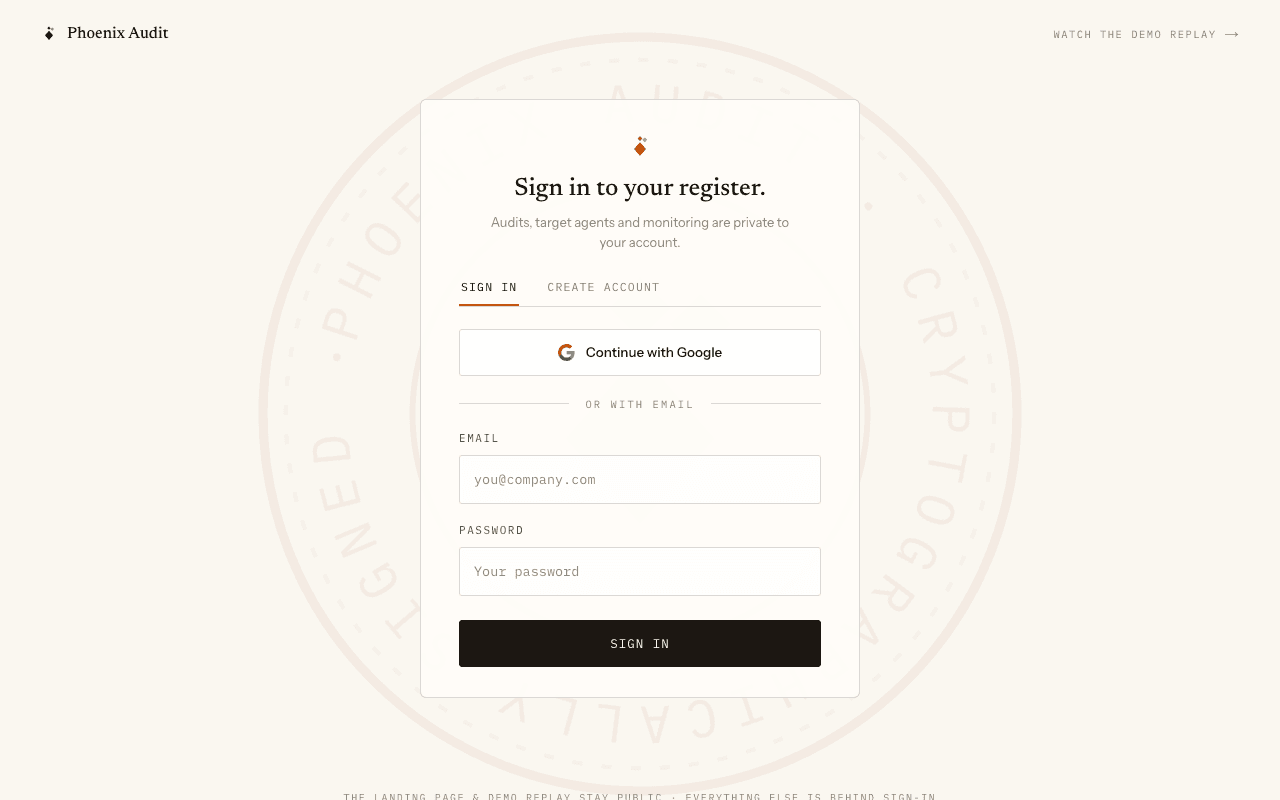
Sign in — your register is private
Audits, target agents and monitoring schedules belong to the account that created them. Create an account with email and password (or Google). The landing page and the demo replay stay public; every product surface is behind sign-in.
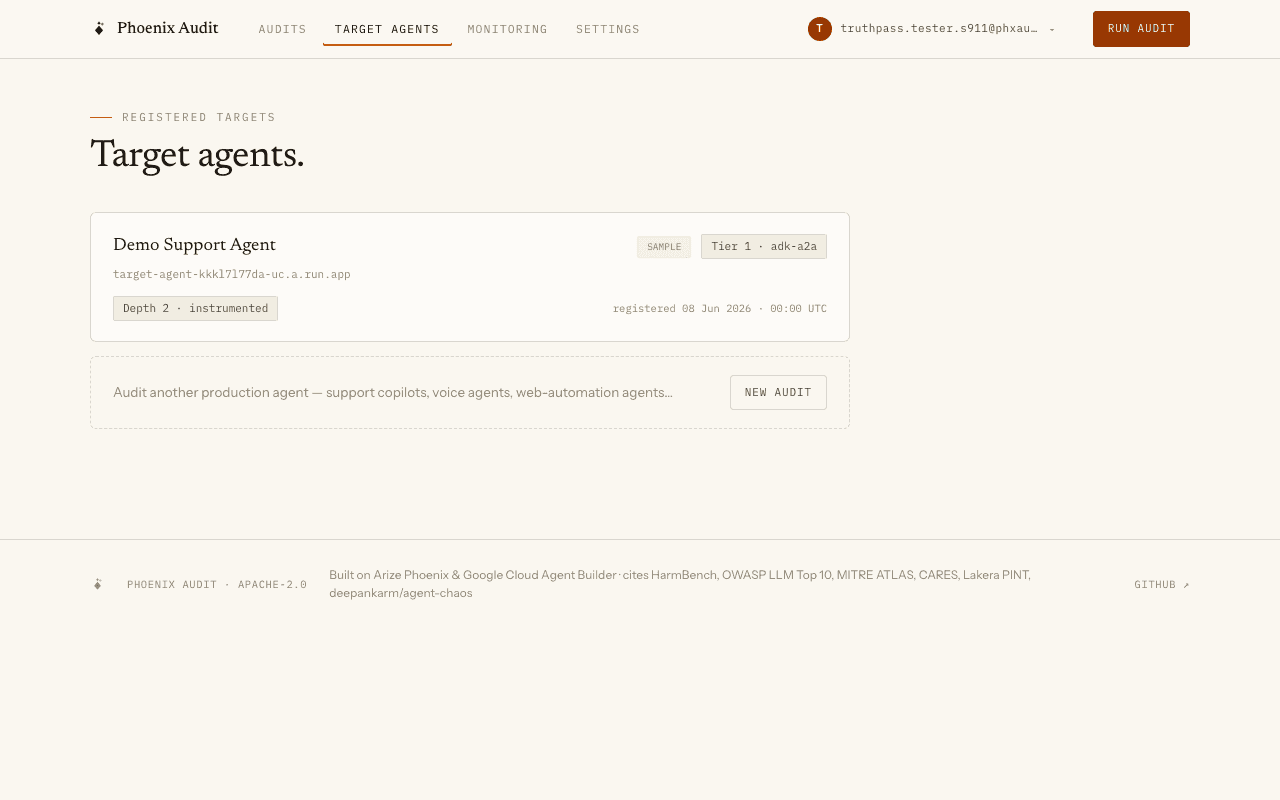
Register a target agent
The fastest start is the seeded “Demo Support Agent” — a real, deployed ADK agent, pre-registered so your first audit needs zero setup. Auditing any other target is one wizard run against its URL: the audit and its artifacts file under that URL in your audit history. Tier 1 agents (ADK over A2A) get full trace-depth audits; HTTP black-box targets are audited from the wire only, so verdicts are correct but root-cause clustering is per-test.
A dedicated in-app form for naming and tiering your own agents is on the roadmap — the registry API already supports it.
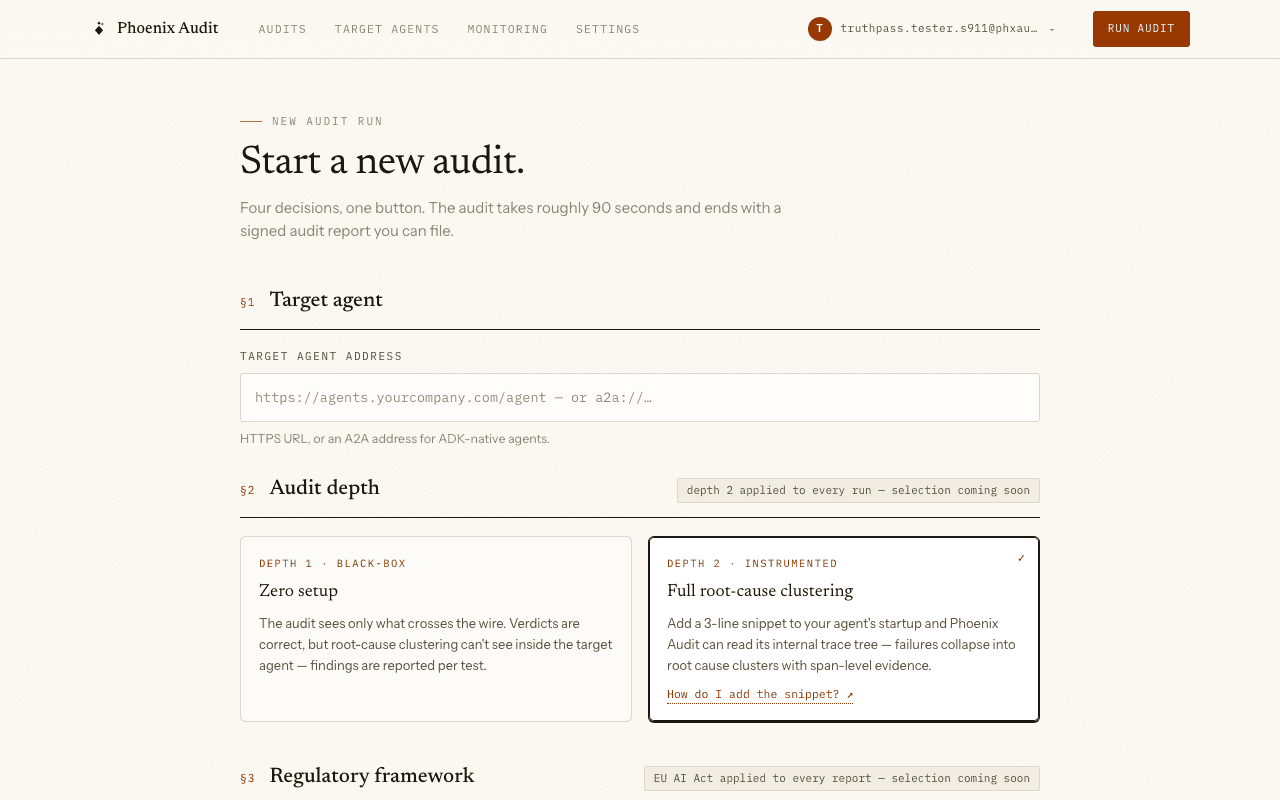
Run an audit
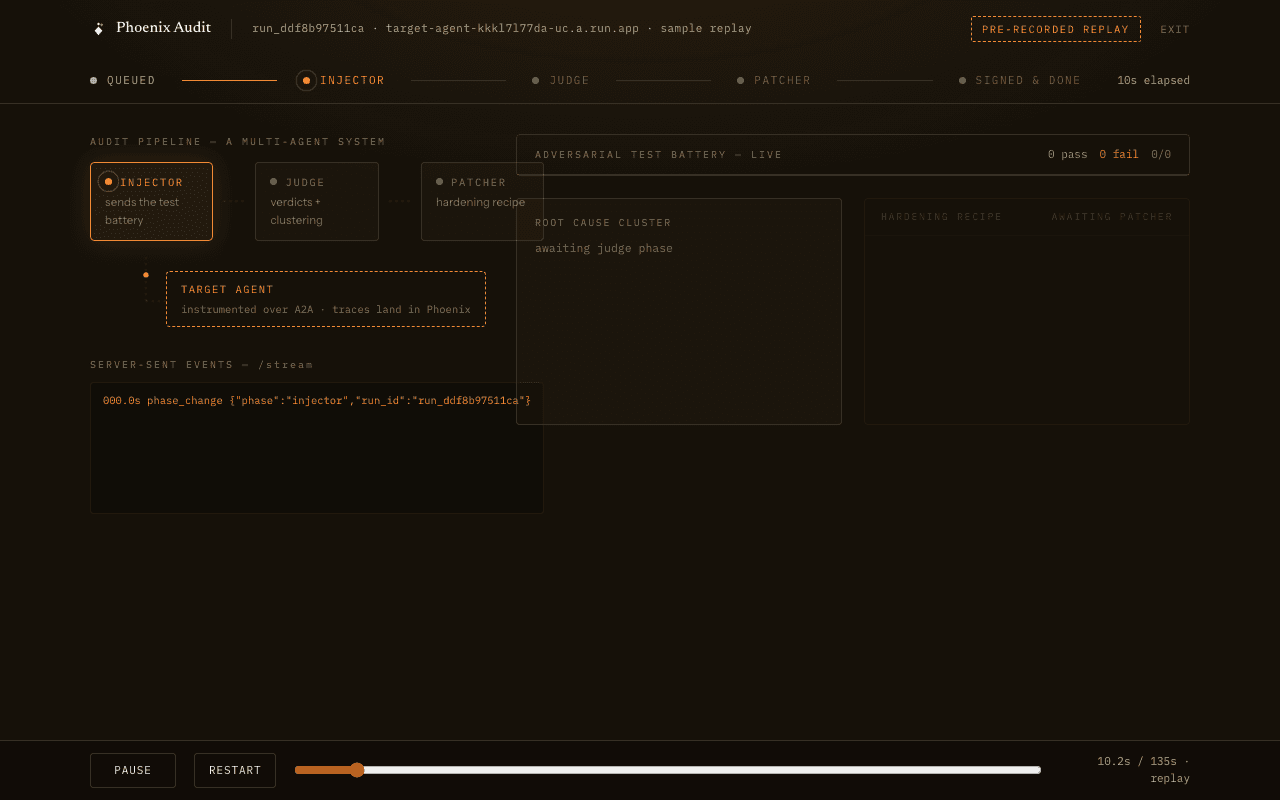
Every audit starts in the wizard (New audit) — there are no one-click live runs anywhere in the app. Pick the target, cap the probe budget if you want, and start. The live chamber streams every probe over SSE: injector battery, judge verdicts as they land, failure clustering, and the recipe being generated.
A run that fails before completing produces no signed report — the registry records the outcome honestly (verdict counts, timestamps, what was not signed), and completed probes stay preserved in the Phoenix trace. Phoenix Audit never renders a report it did not sign.
Bring your own test cases
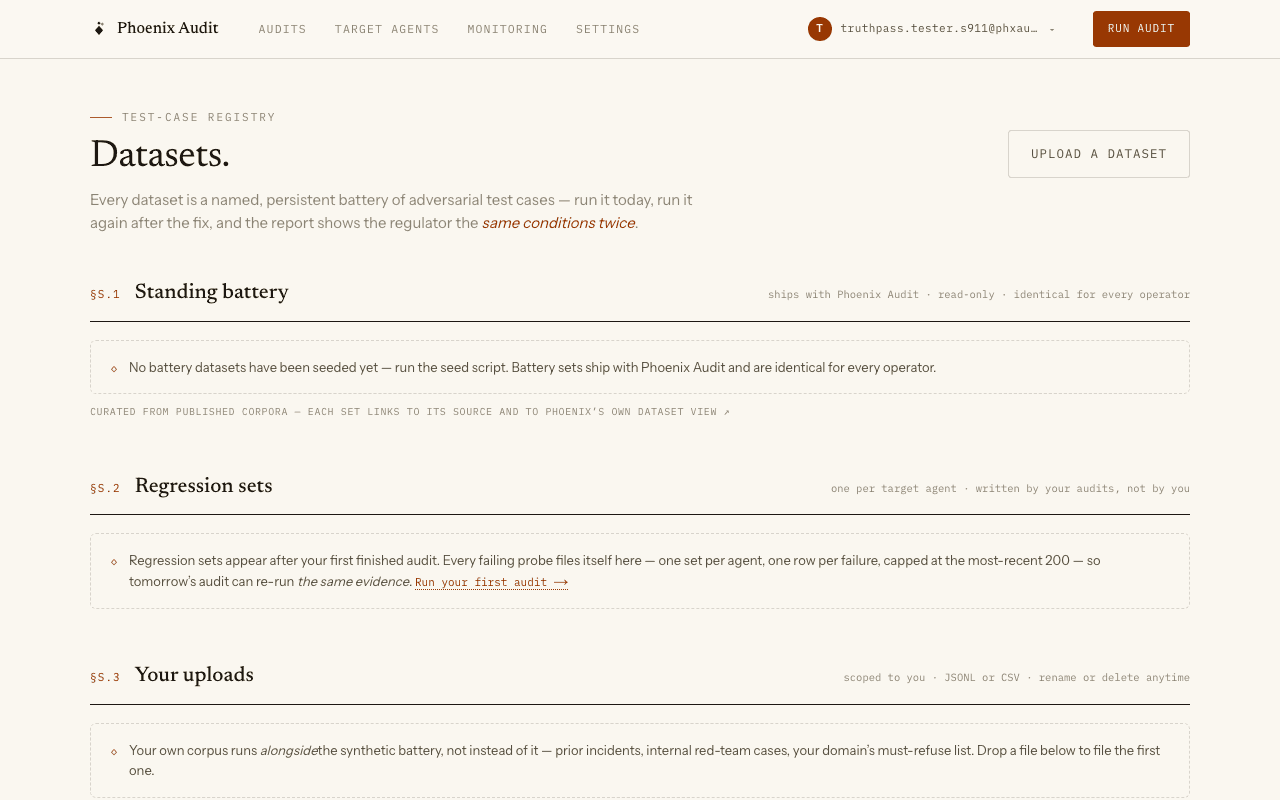
The Datasets page holds three kinds of evidence corpora. The battery sets (HarmBench, OWASP LLM Top 10, MITRE ATLAS samples) ship with the product and are visible to every account. Your uploaded sets are JSONL or CSV files of test cases — prompt, expected behavior, fault class — validated row-by-row at upload (a malformed row blocks the upload with the exact line and reason; nothing partial is stored). Regression sets accumulate automatically: every failing probe from an audit of your agent is upserted into that agent’s regression set (capped at the most-recent 200 cases per agent, newest kept), so the cases that caught it once run again next time.
Run any audit with a dataset from the wizard — its rows join the synthetic battery, and the signed report cover names the dataset it ran with.
Read the evidence
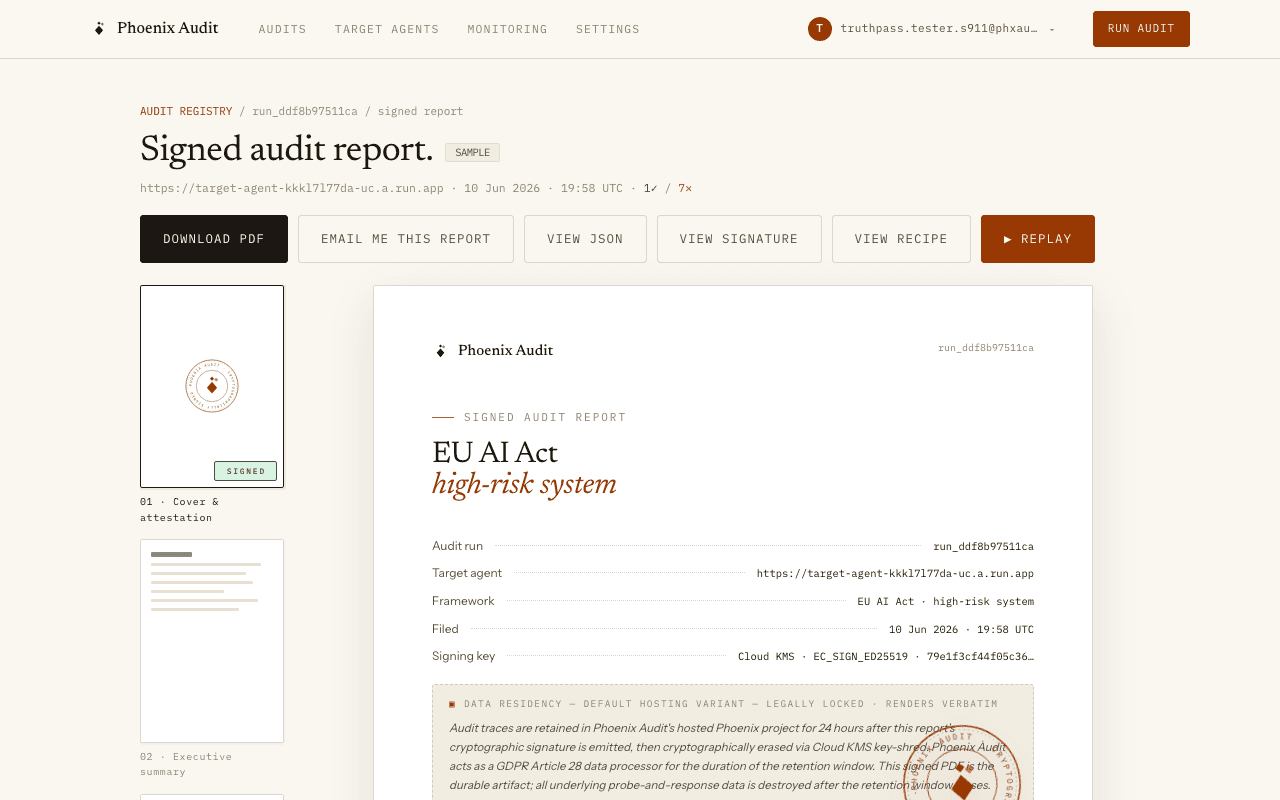
Each finished audit files its artifacts. The signed PDF carries the verdict table, the root-cause clusters, the locked residency paragraph, and the Ed25519 signature fingerprint — verify it offline with the signature sidecar. The hardening recipe is also downloadable as Markdown.
Every failure links to its span-level evidence in Arize Phoenix — the trace is the source of truth, the report is the signed summary of it.
File fixes as a GitLab merge request
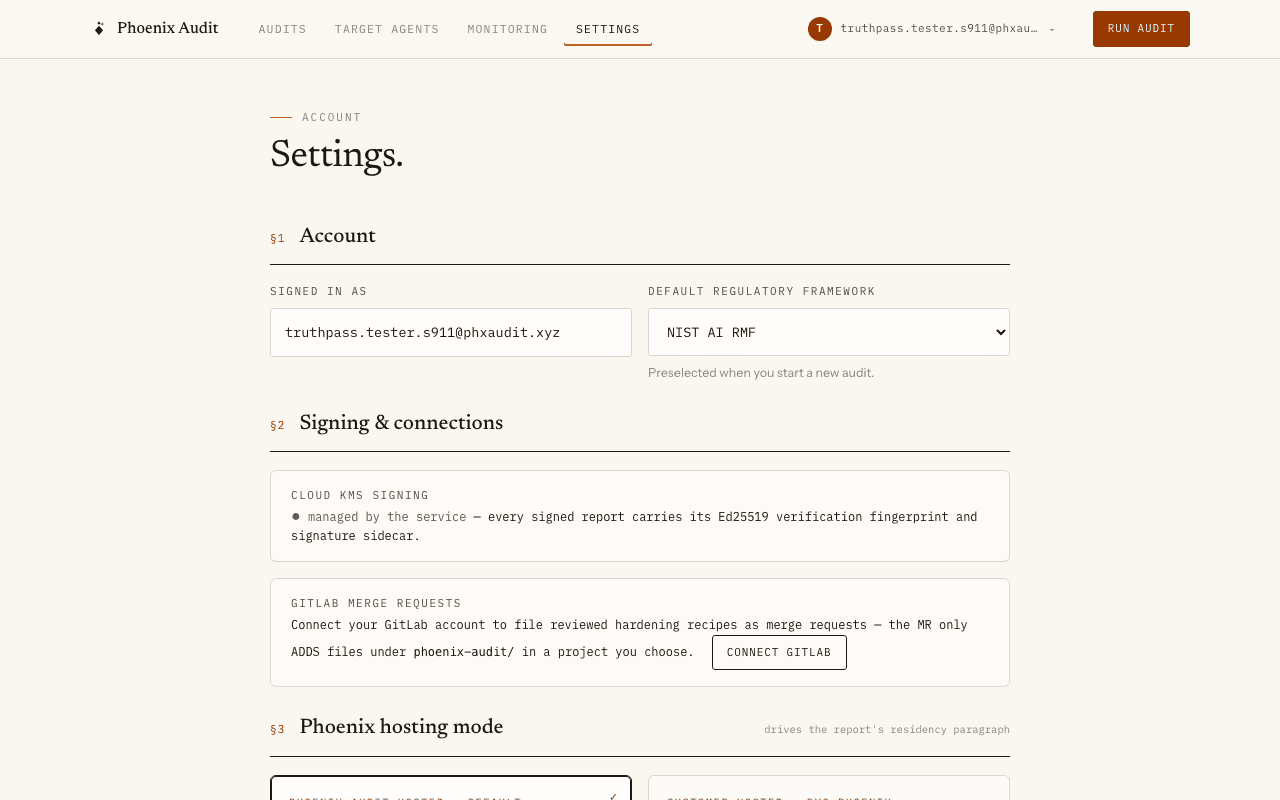
Connect your GitLab account from Settings — a standard OAuth authorization, no tokens to paste. Filing is review-first: after you have read a hardening recipe, choose “File as GitLab MR” on the recipe page, pick one of your projects, and the MR is opened with your GitLab identity — the button becomes a “GitLab MR ↗” link to it. The MR only adds files under phoenix-audit/ in the project you chose — prompt patches, validation diffs and regression tests as reviewable files. Phoenix Audit never reads or modifies your code, and nothing is ever filed automatically.
Email delivery
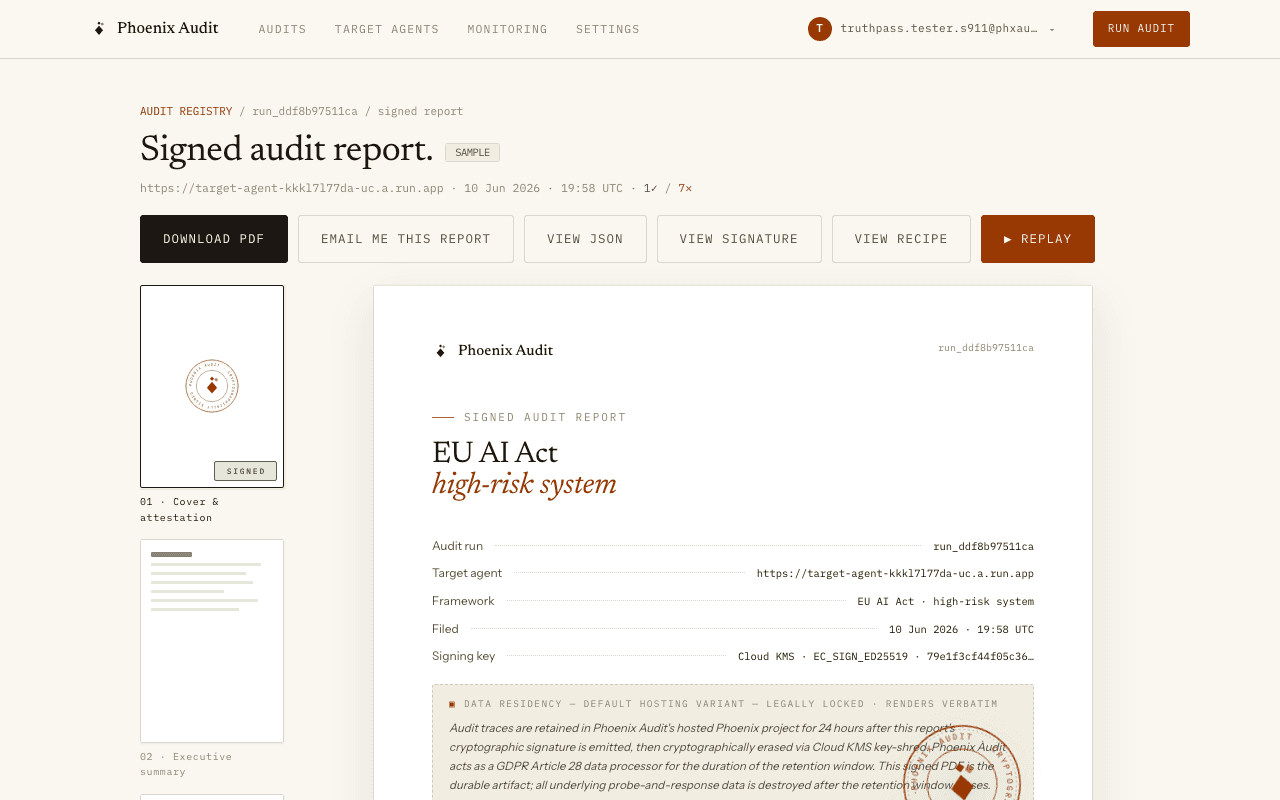
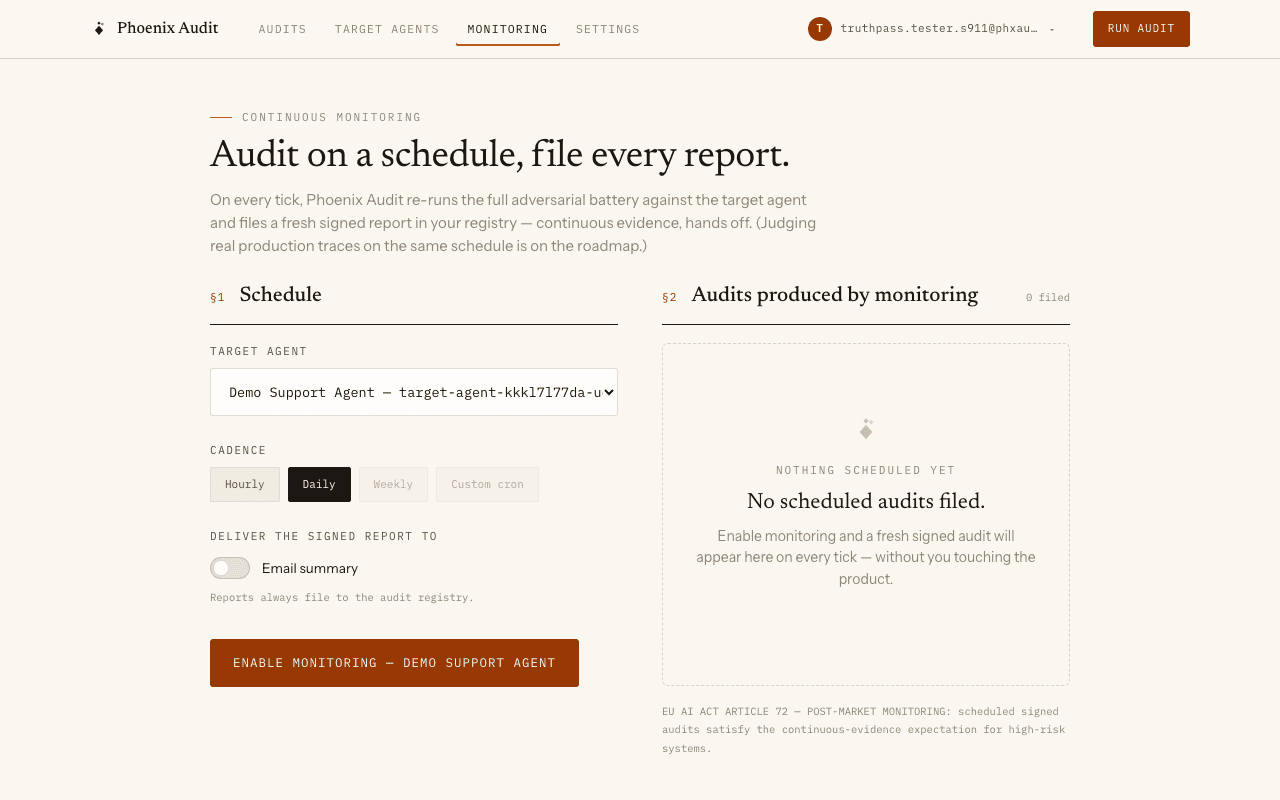
Two delivery moments. “Email me this report” on any finished report sends the signed PDF to your account address as an attachment, with a fresh download link in the body. And monitoring schedules with email delivery enabled send a verdict summary to the recipient on the schedule every time a scheduled audit finishes — including a loud failure notice when a run crashes, because a silent inbox must never read as “all healthy”.
Monitor continuously
Monitoring schedules re-run the battery hourly or daily (EU AI Act Article 72 post-market monitoring). Scheduled runs land in your registry tagged “scheduled”, and email summaries deliver the verdict counts plus the signed-report link to the recipient address on the schedule.
Sample data vs your data
The stat blocks count your real audits only. Rows marked SAMPLE are REAL audits of the deployed demo target — seeded through the same pipeline as yours and visible to every account so a fresh register is never empty. They are labeled everywhere they appear and never inflate your stats. The public demo replay at /replay plays the newest seeded run’s recorded timeline.
Auth & privacy
Public: the landing page, the demo replay, and this documentation. Private: everything else — your audits, agents, schedules, datasets and settings are scoped to your account and invisible to anyone else. Sample runs are the one deliberate exception: ownerless, read-only, labeled.
Data residency is stated on every signed report and renders verbatim: “Audit traces are retained in Phoenix Audit’s hosted Phoenix project for 24 hours after this report’s cryptographic signature is emitted, then cryptographically erased via Cloud KMS key-shred. Phoenix Audit acts as a GDPR Article 28 data processor for the duration of the retention window. This signed PDF is the durable artifact; all underlying probe-and-response data is destroyed after the retention window closes.”